
Amazon Flex Explained: Everything You Need for Seamless Deliveries
Published By: Tata Nexarc | Published On: 15 Feb 2025 | 3 Mins Read
Table of Contents:
| Heading | Description |
| Introduction | Overview of the Amazon Flex app and its role in delivery operations. |
| Key Features | A breakdown of the app’s features that enhance delivery efficiency. |
| Benefits of Using Amazon Flex | How the app benefits drivers by improving accuracy and communication. |
| Getting Started: Setup and Navigation | Step-by-step guide to setting up and navigating the app. |
| Best Practices for Maximizing App Efficiency | Tips to optimize app usage for better delivery performance. |
| Conclusion | Summary of the app’s impact on Amazon’s logistics and efficiency. |
| FAQs | Answers to common questions about the app’s functionality and usage. |
Introduction
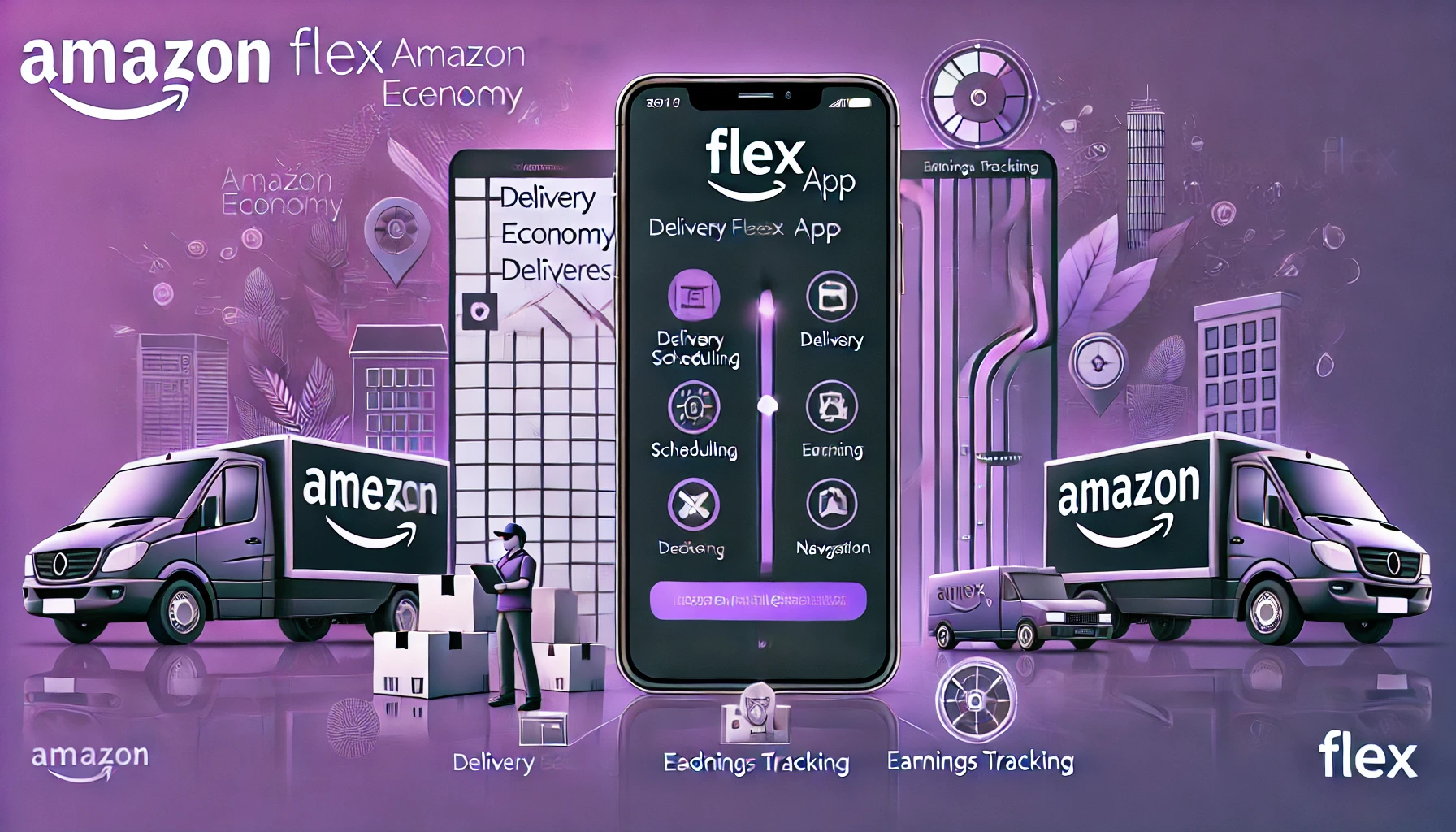
The Amazon Flex app is an essential tool for independent delivery drivers working within Amazon’s logistics network. It plays a key role in optimizing delivery efficiency by helping drivers manage their routes, track packages, and communicate seamlessly with Amazon’s support team.
Amazon’s supply chain relies on precision and speed, and the Amazon Flex app ensures smooth deliveries by offering real-time updates and structured delivery plans. This app is primarily used by independent contractors known as Amazon Flex drivers, who pick up and deliver packages on a flexible schedule.
Key Features of Amazon Flex
The Amazon Flex app is designed with advanced features to streamline operations:
| Feature | Description |
| Real-time Route Optimization | Provides the shortest and most efficient delivery paths. |
| Package Scanning and Tracking | Ensures accurate tracking by scanning each package. |
| In-App Communication Tools | Allows drivers to contact support or report issues instantly. |
| Earnings Tracking and Reports | Provides insights into completed deliveries and earnings. |
These features make deliveries smoother, reducing errors and delays.
Benefits of Using Amazon Flex
The Amazon Flex app offers multiple benefits that enhance the delivery process:
- Flexible Scheduling: Drivers can choose delivery blocks that fit their availability.
- Optimized Route Planning: Ensures timely deliveries with the most efficient routes.
- Improved Accuracy: Reduces package mishandling by verifying deliveries in real-time.
- Seamless Communication: Drivers can contact Amazon support for quick assistance.
- Transparent Earnings Tracking: Provides clear records of completed deliveries and payouts.
By using the app effectively, drivers can maximize their earnings and meet Amazon’s high delivery standards.
Getting Started: Setup and Navigation
New users can easily set up and navigate the Amazon Flex app by following these step-by-step instructions:
📺 Watch this video for a visual walkthrough:
https://www.youtube.com/watch?v=639g2teuZiE
Step 1: Download and Install the App
- The Amazon Flex app is available for both Android and iOS users.
- Visit the Amazon Flex website to download the official app.
- Install the app and ensure your device meets the required specifications.
Step 2: Create an Account
- Open the app and sign up with your registered email or phone number.
- Set up a secure password and agree to the terms of service.
- Complete the verification process using the code sent to your email or phone.
Step 3: Set Up Your Profile
- Enter required personal details, including your name and address.
- Upload necessary identification and vehicle details.
- Choose your preferred delivery region and set your availability.
Step 4: Navigate the Dashboard
- The home screen provides access to essential functions like deliveries, earnings, and support.
- Use the “Routes” section to view assigned deliveries and optimized paths.
- The “Earnings” section tracks your completed deliveries and payouts.
Step 5: Accept and Manage Deliveries
- Tap on available delivery blocks to accept new assignments.
- Follow the in-app navigation to complete deliveries efficiently.
- Scan packages before delivery and confirm successful drop-offs.
A smooth setup ensures drivers can start making deliveries immediately with minimal hassle.
Best Practices for Maximizing App Efficiency
To get the best results from the Amazon Flex app, follow these best practices:
- Keep the App Updated: Regular updates ensure access to the latest features.
- Use In-App Support: Provides troubleshooting resources for technical issues.
- Optimize Route Planning: Plan deliveries efficiently to save time and fuel.
- Leverage Earnings Tracking: Monitor completed deliveries to optimize performance.
- Ensure Accurate Package Scanning: Avoid delays by confirming package details in real-time.
Conclusion
The Amazon Flex app is a game-changer for independent delivery drivers. It enhances efficiency, accuracy, and communication, ensuring Amazon’s delivery network operates smoothly. By understanding its features and best practices, drivers can optimize their performance and earn more through the Flex program.
Amazon continuously improves its logistics technology, and the Flex app plays a critical role in that advancement. Using this tool effectively can help drivers maximize their efficiency and succeed in Amazon’s competitive delivery ecosystem.
FAQs
- Is the Amazon Flex app available for all delivery drivers?
- The app is designed specifically for Amazon Flex drivers, who are independent contractors. DSP drivers use separate tools to manage deliveries.
- Can I use the Amazon Flex app for personal deliveries?
- No, the app is strictly for Amazon package deliveries and cannot be used for personal shipments.
- What should I do if the app crashes or stops working?
- First, check your internet connection and ensure the app is updated. If the issue persists, restart your device or reinstall the app. Amazon also provides in-app troubleshooting and customer support.
- How does the app handle navigation and real-time traffic updates?
- The Amazon Flex app uses GPS navigation and real-time traffic updates to suggest the most efficient routes. It integrates with mapping services to adjust routes based on road conditions.
- Is it mandatory to scan packages before delivery?
- Yes, scanning packages is crucial for accurate tracking and minimizing delivery errors. It confirms the package’s location in real time and provides proof of delivery.
No Spam Calls,Only Relevant Information.


Why Choose Us ?

-
Affordable and Hassle Free cargo movement for your business.
-
One Platform for all logistics needs
-
Get Bulk Rates for small orders
-
Choose for Multiple Partners
-
Amazing Customer Support
Why Choose Us ?
-
Affordable and Hassle Free cargo movement for your business.
-
One Platform for all logistics needs
-
Get Bulk Rates for small orders
-
Choose for Multiple Partners
-
Amazing Customer Support
No Spam Calls,
Only Relevant Information.